Telangana Graduate MLC Voter Objections
The Telangana Graduate MLC Draft Voter List 2026 was published on November 25, 2026, for the Mahabubnagar–Rangareddy–Hyderabad and Warangal–Khammam–Nalgonda Graduates’ Legislative Council constituencies.
After checking the draft electoral rolls, graduates can submit claims and objections if their names are missing, their personal details are incorrect or they have an objection to the inclusion of a particular name.
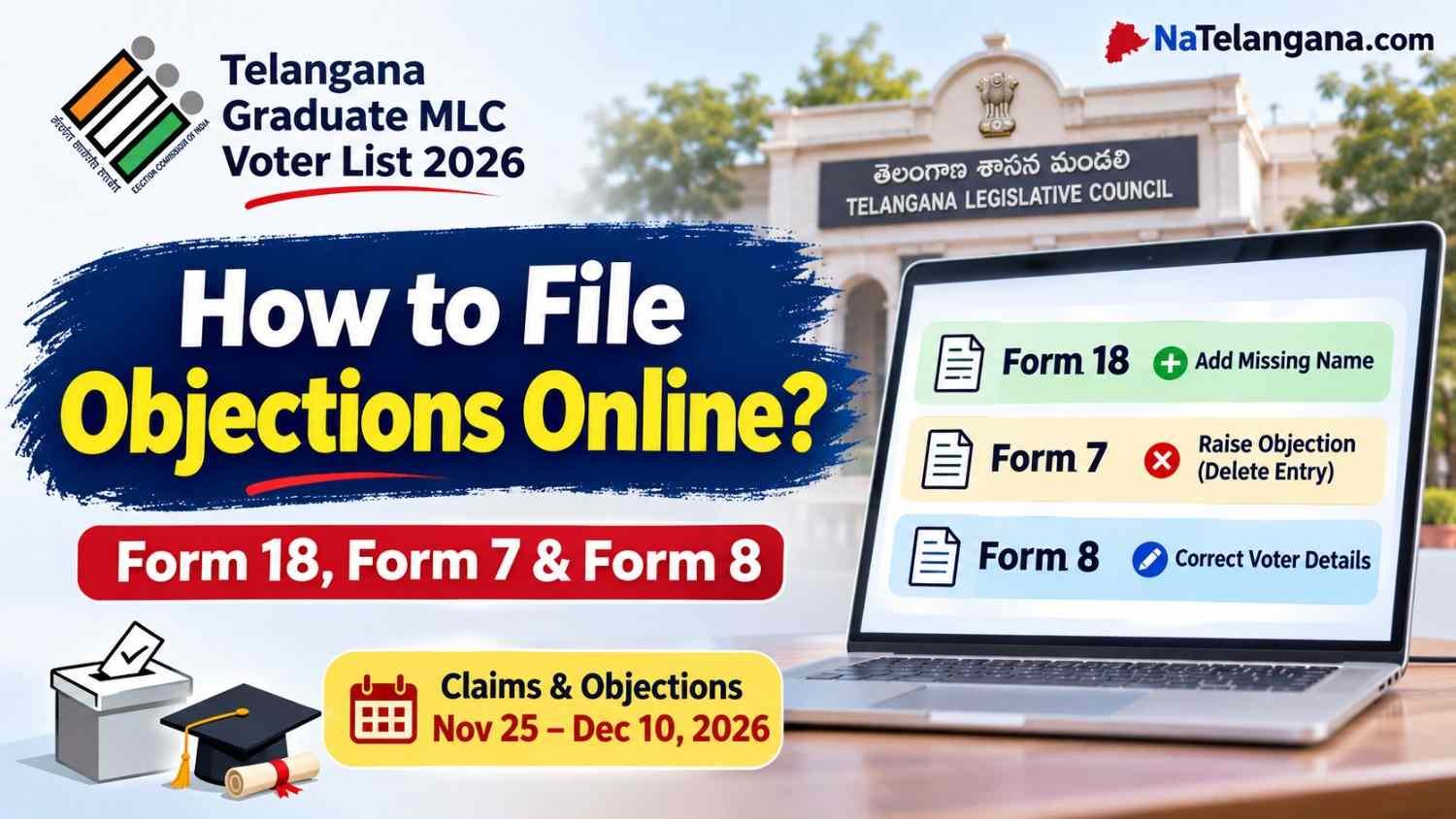
The Chief Electoral Officer (CEO), Telangana, has prescribed three different forms for these purposes: Form 18, Form 7 and Form 8.
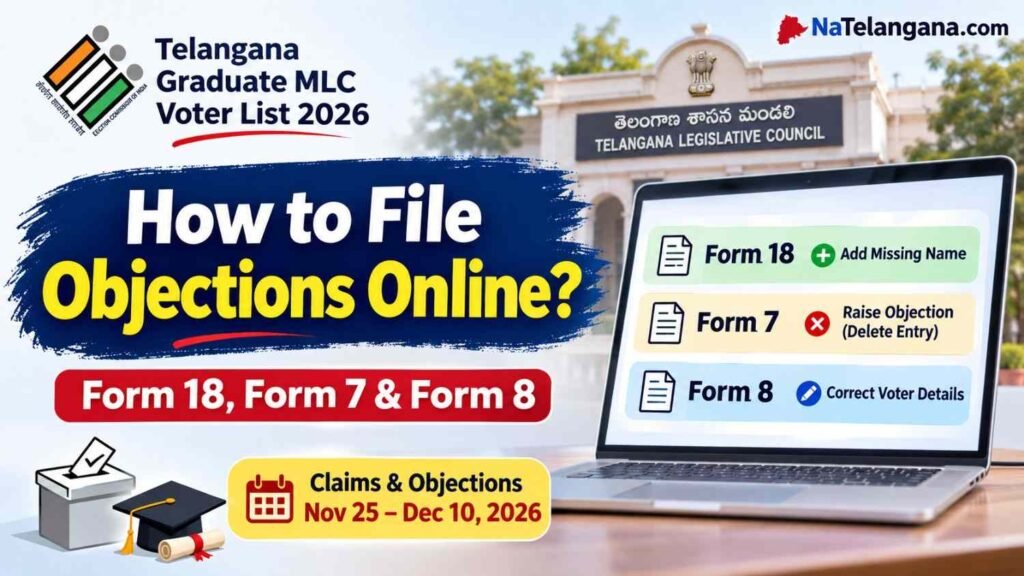
The claims and objections period is open from November 25 to December 10, 2026. Eligible graduates can submit the applicable forms online through the CEO Telangana website or approach the concerned Electoral Registration Officer (ERO), Assistant Electoral Registration Officer (AERO) or designated officer.
Official Links:
Telangana Graduate MLC Voter Objections Claims and Objections 2026 – Overview
| Particulars | Details |
|---|---|
| Election Authority | Election Commission of India |
| State | Telangana |
| Election | Graduate MLC Elections 2027 |
| Constituencies | 2 Graduates’ Constituencies |
| Draft Electoral Roll | Published on November 25, 2026 |
| Claims and Objections Start Date | November 25, 2026 |
| Last Date for Claims and Objections | December 10, 2026 |
| Forms Available | Form 18, Form 7 and Form 8 |
| Application Mode | Online / Offline |
| Disposal of Claims and Objections | December 25, 2026 |
| Final Electoral Roll | December 30, 2026 |
| Official Website | ceotelangana.nic.in |
Which Form Should You Submit? Form 18, Form 7 or Form 8?
Before submitting an application, graduates should understand the purpose of each form. Choosing the correct form is important because each one addresses a different electoral-roll issue.
**Form 18 – Name Missing from Draft Voter List**
Use Form 18 if you are an eligible graduate but your name is not included in the draft electoral roll and you want to apply for enrolment.
**Form 7 – Objection to Inclusion of a Name**
Use Form 7 if you have an objection to the inclusion of a particular person’s name in the electoral roll or seek deletion of an entry.
**Form 8 – Correction of Voter Details**
Use Form 8 if your name or other personal particulars in the existing draft electoral roll are incorrect and need correction.
1. Form 18 – How to Apply If Your Name Is Missing?
Graduates who are eligible to vote but cannot find their names in the draft electoral roll should submit Form 18 to request inclusion.
This form is also relevant to eligible graduates whose earlier applications were not accepted or whose names were not included in the published draft list.
Eligibility for Form 18
An applicant must satisfy the prescribed conditions:
- Must be an Indian citizen.
- Must ordinarily reside in the relevant Graduates’ Constituency.
- Must have obtained a recognised graduate degree or equivalent qualification at least three years before the qualifying date.
- For the current revision, the qualifying date is November 1, 2026. Therefore, the degree must have been obtained on or before October 31, 2023.
Documents Required
Applicants should keep the following documents ready:
- Attested copy of the degree certificate or equivalent qualification certificate.
- Proof of ordinary residence in the relevant Graduates’ Constituency.
- Other information and supporting documents required in Form 18.
How to Submit Form 18?
- Visit the CEO Telangana official website.
- Open the Graduates’ Constituency MLC election or voter enrolment section.
- Select the Form 18 application facility.
- Enter the applicant’s personal and residential details.
- Provide the required educational qualification information.
- Upload or submit the prescribed supporting certificates.
- Submit the application and retain the acknowledgement or reference number.
Applicants who prefer offline submission can approach the concerned ERO, AERO or designated officer with the completed application and supporting documents.
Important: The CEO Telangana has clarified that eligible graduates can submit Form 18 during the claims and objections period from November 25 to December 10, 2026. Applications can also be submitted again from December 30, 2026, until the last date for filing nominations for the respective Graduates’ Constituencies.
2. Form 7 – How to File an Objection Against a Voter Entry?
Form 7 is used when a person has an objection to the inclusion of a particular name in the draft electoral roll or seeks deletion of an entry.
For example, if someone notices an entry that they believe should not be included in the Graduates’ Constituency electoral roll, they can raise an objection using Form 7.
When Should You Submit Form 7?
Form 7 may be used when:
- You have an objection to the inclusion of a particular person’s name.
- An entry is believed to be ineligible for inclusion in the relevant electoral roll.
- A deletion of an existing entry is requested on valid grounds.
How to Submit Form 7?
- Visit the CEO Telangana official website.
- Navigate to the Graduates’ Constituency claims and objections section.
- Select Form 7.
- Provide the details of the electoral entry against which you are raising an objection.
- Clearly state the reason for the objection.
- Provide the supporting information or documents required by the election authorities.
- Submit the application online, if the facility is available, or approach the concerned ERO/AERO or designated officer.
Applicants should provide accurate information and genuine reasons while submitting objections. The election authorities will examine the application and take a decision according to the applicable election rules.
3. Form 8 – How to Correct Details in the Draft Voter List?
If your name appears in the Telangana Graduate MLC Draft Voter List 2026 but some of your personal details are incorrect, you can use Form 8 to request corrections.
For example, if your name, age or other particulars have been incorrectly entered, you can approach the election authorities for correction.
When Should You Submit Form 8?
Form 8 is applicable when:
- Your name is incorrectly printed in the electoral roll.
- Your personal particulars contain spelling or other errors.
- Other details in your electoral entry require correction or updating.
How to Submit Form 8?
- Visit the CEO Telangana website.
- Open the Graduates’ Constituency claims and objections section.
- Select Form 8.
- Provide your existing electoral entry details.
- Clearly mention the information that needs correction.
- Submit the supporting documents required to establish the correct particulars.
- Submit the form online, if the facility is available, or approach the concerned ERO/AERO or designated officer.
The election authorities will verify the submitted information and process the correction request according to the applicable rules.
Where to Submit Form 18, Form 7 and Form 8?
Graduates can approach the election authorities through the following channels:
1. Online Submission
Visit the official CEO Telangana website and look for the Graduates’ Constituency MLC election or claims and objections application facility.
2. Offline Submission
Applicants can submit the prescribed forms and supporting documents to the concerned:
- Electoral Registration Officer (ERO)
- Assistant Electoral Registration Officer (AERO)
- Designated Officer
The concerned election office can provide information about the applicable form, required supporting documents and submission procedure.
Important: Keep an acknowledgement or proof of submission for future reference. Applicants should also check with the concerned election office if they need to provide original certificates for verification.
Last Date to Submit Claims and Objections
The Election Commission has scheduled the following dates for the Telangana Graduate MLC electoral roll revision.
| Event | Date |
|---|---|
| Draft Electoral Roll Publication | November 25, 2026 |
| Claims and Objections Start | November 25, 2026 |
| Last Date for Claims and Objections | December 10, 2026 |
| Disposal of Claims and Objections | December 25, 2026 |
| Final Electoral Roll Publication | December 30, 2026 |
Graduates should submit the applicable claims or objections before December 10, 2026.
What If You Miss the December 10 Deadline?
Eligible graduates who have not yet enrolled should note that Form 18 applications can also be submitted after the claims and objections period.
According to the clarification issued by the Telangana Chief Electoral Officer:
- Form 18 applications can be submitted during the claims and objections period from November 25 to December 10, 2026.
- After publication of the final electoral rolls on December 30, 2026, eligible graduates can submit Form 18 applications until the last date for filing nominations for the respective Graduates’ Constituencies.
This additional opportunity applies to applications for inclusion through Form 18. Graduates seeking corrections or raising objections should follow the prescribed claims and objections schedule and instructions of the election authorities.
Telangana Graduate MLC Voter List 2026 – Important Links
| Description | Official Link |
|---|---|
| CEO Telangana Website | Click Here |
| Graduate MLC Draft Voter List | Check Draft Rolls |
| Search Your Name Online | Voter Search Portal |
| Form 18 – Inclusion | Available through CEO Telangana |
| Form 7 – Objection | Available through CEO Telangana |
| Form 8 – Correction | Available through CEO Telangana |
| Election Helpline | 1950 |
Contact for Help and Clarifications
Graduates who have doubts about submitting Form 18, Form 7 or Form 8 can contact the concerned Electoral Registration Officer.
The Election Commission public-information notice also provides the toll-free helpline 1950 for assistance and clarification.
Helpline timings: 10:30 AM to 5:00 PM.
ALSO READ
1 thought on “Telangana Graduate MLC Voter Objections: How to File Objections Online, Form 18, 7 & 8”