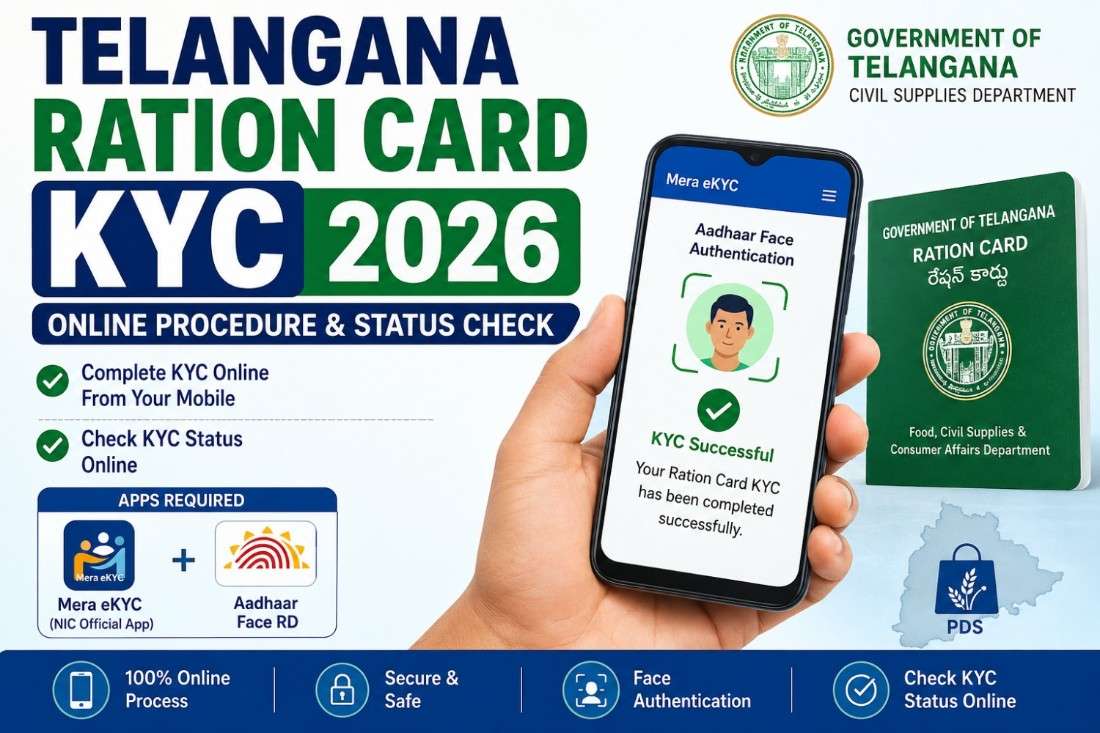
Telangana Ration Card KYC 2026: Online Procedure & Status Check
Telangana Ration Card KYC 2026: Telangana ration card holders are asked to complete FSC KYC as soon as possible. The government has extended deadlines several times, as there are still some cards that are not done with eKYC. Ration card holders should complete their eKYC to prevent the stop of their ration card.
First, you need to check whether your eKYC is done or not; this can be done using SmartPDS. It is done. It’s okay if not; you need to complete it to stop your card removal or stoppage.
What Is Telangana Ration Card KYC?
Telangana Ration Card KYC is the process of verifying the identity of a ration card beneficiary against their Aadhaar details.
The eKYC process uses Aadhaar authentication to establish that the person listed as a beneficiary is the actual person receiving the PDS benefit. With face authentication, the beneficiary’s face is captured through the smartphone camera and authenticated against the Aadhaar identity.
How to Check Telangana Ration Card KYC Status
Follow the below steps to check Ration Card EKYC status.
- Visit the SMARTPDS official website. Click here to visit
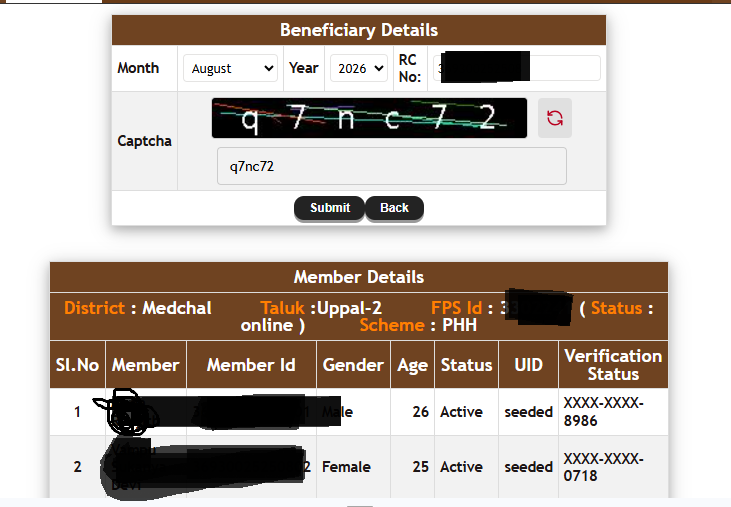
- Click on Beneficiary details
- Enter your Ration Card Number
- Your card details will be shown.
- Check all family member details and verification status
- If the verification status is showing the Aadhaar number (Ex: XXXX-XXXX-8986), you are verified.
- If it is not showing, then you need to do ekyc
How to do Ration Card KYC in Telangana
This KYC can be done in two ways
- Offiline
- Online
In Offline Food Security Card holder and members should visit FSC Shop or Ration Shop and verify their identity by putting their finger on the fingerprint verification machine. For this, all members of the ration card should go to the ration shop.
How to do Telangana Ration KYC Online?
In the online process of Ration Card KYC, your KYC verification can be done online with the help of 2 mobile applications provided by the Government of India.
To complete the mobile-based KYC process, beneficiaries may need the following applications:
- Mera eKYC
- Aadhaar Face RD
Mera eKYC Application
Mera eKYC is an application developed by the National Informatics Centre (NIC), DFPD Division, for ration card holders.
The official Google Play listing says that the application enables ration card holders to perform Aadhaar-based face authentication and requires the Aadhaar number and OTP authentication.
Official app: Mera eKYC on Google Play
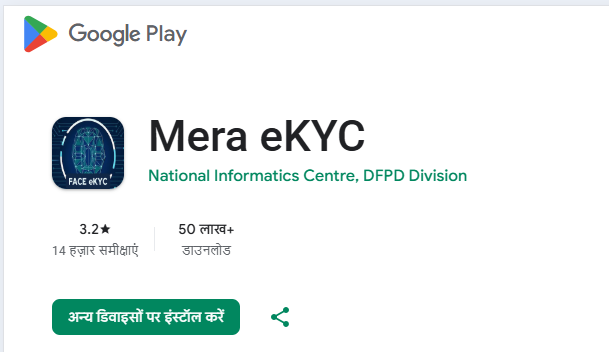
When downloading the app, beneficiaries should make sure they are installing the genuine application. The official listing identifies the developer as the National Informatics Centre, DFPD Division.
Aadhaar Face RD Application
The Aadhaar Face RD Application is an official application designed by UIDAI. This application is used to verify your identity based on your face with the Aadhaar number. You need to enter your Aadhar number and show your face to verify your identity.
The Aadhaar Face RD application is used as the face-authentication component. It is not normally an app where the beneficiary independently completes the entire ration-card KYC process; it works with the application that requests Aadhaar authentication.
The official app link is https://play.google.com/store/apps/details?id=in.gov.uidai.facerd&hl=en_IN
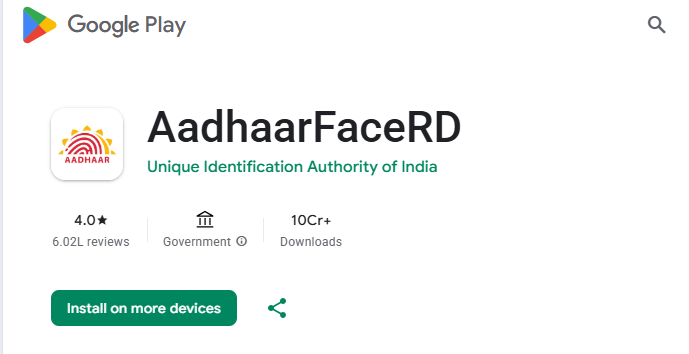
When downloading the app, beneficiaries should make sure they are installing the genuine application. The official listing identifies the developer as the Unique Identification Authority of India.
Telangana Ration Card KYC Online Procedure
Eligible beneficiaries can follow these steps to attempt their ration card eKYC from a mobile phone.
Step 1: Download the Mera eKYC App
- Open the Google Play Store on your Android smartphone.
- Search for Mera eKYC and install the application.
- Make sure that the developer shown on the Play Store is the National Informatics Centre, DFPD Division. Avoid downloading APK files from unknown websites.
Step 2: Install Aadhaar Face RD
- Install the official Aadhaar Face RD application from UIDAI.
- UIDAI’s official information says that Aadhaar face authentication requires the application of the concerned service/entity along with Aadhaar Face RD.
- Download Aadhaar Face RD from Google Play
Step 3: Open Mera eKYC
- After installing both applications, open Mera eKYC.
- Select Residing State and Home State as Telangana and click on Proceed
Step 4: Enter Aadhaar Number
- Now enter the Aadhaar Card number of the family member for whom you want to complete eKYC and click on Generate OTP
Step 5: Complete OTP Authentication
- An OTP may be sent to the mobile number registered with Aadhaar.
- Enter the OTP in the application and continue.
- If the OTP does not arrive, wait for some time and request another OTP. Also check whether the Aadhaar-linked mobile number is active.
Step 6: Start Face Authentication
- After the Aadhaar authentication stage, proceed with Face Authentication.
- The Mera eKYC application uses Aadhaar-based face authentication for ration card eKYC. Here you will be asked to select the AadharFaceRD app, select
- The Aadhaar Face RD component will open the camera or authentication interface.
Step 7: Complete Face Scan
- Show your face in the circle showing in the app.
- Whenever you face the correct place, the circle will become green; while the circle is green, blink your eyes.
- The app will capture your face and send it to UIDAI for verification
Step 8: Check Authentication Result
- After the face authentication is completed, the application will process the authentication request.
- If the authentication is successful, the beneficiary’s eKYC process will show that it is successful.
- Check the SmartEPDS portal after some time; it will show you seeded.
Important Note:
Readers are advised to download applications from the Google Play Store only. You must ensure the apps are made by the original makers mentioned in the article. Though this process enables you to complete EKYC easily and quickly, you are advised to be so cautious.
ALSO READ
Telangana Police Constable Recruitment: Notification, Vacancies, Eligibility & Apply Online
Telangana SET (TG SET) Notification: Eligibility, Exam Date, Apply Online Exam Pattern
1 thought on “Telangana Ration Card KYC 2026: Online Procedure & Status Check”